
Maytag Dryer No Heat? Diagnostic Checklist for Homeowners in Decatur, GA
Local Service Notice:Decatur Solution Works provides residential appliance repair strictly in Decatur, DeKalb County, and surrounding Metro Atlanta communities. We do not dispatch outside our Georgia service footprint.
Is your Maytag dryer not heating up? Follow our diagnostic checklist to identify the issue and know when to call for professional help.
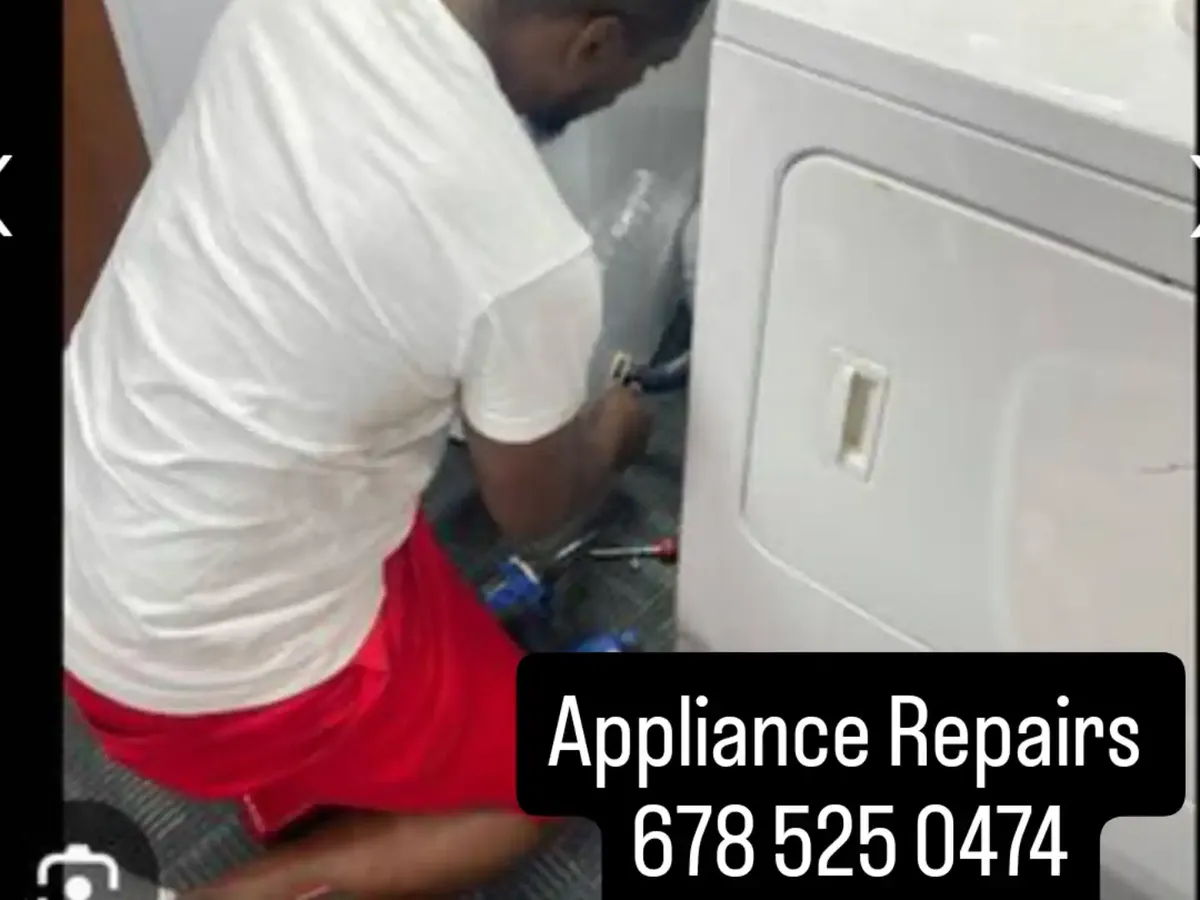
Understanding the Issue: No Heat in Your Maytag Dryer
A dryer is one of the most essential appliances in your home, making laundry day a little easier. However, if your Maytag dryer isn’t heating, it can turn into a frustrating chore. Before you panic or call a technician, take a deep breath and follow this handy diagnostic checklist to troubleshoot the problem yourself.
Servicing homeowners throughout Decatur, Tucker, Stone Mountain, Lithonia, Ellenwood, and Stockbridge. Every visit starts with a $89 diagnostic fee, credited toward your repair, backed by an EPA 608 Certified technician and a 1-year parts & labor warranty (one year on OEM parts).
Safety First: Always Unplug Your Appliance
Before attempting any repairs or checks, please remember to unplug your dryer to avoid any risk of electric shock. It’s essential to prioritize safety while diagnosing issues.
Step 1: Check the Power Supply
Sometimes, the simplest solution is the most effective.
- Inspect the power cord: Make sure it's firmly plugged into the outlet.
- Check the circuit breaker: A tripped breaker can interrupt power. Reset it if necessary.
- Test the outlet: If possible, plug in a different appliance to ensure the outlet is working.
Step 2: Examine the Dryer Settings
Before diving into complex diagnostics, ensure that your dryer settings are correct:
- Cycle settings: Ensure you’ve selected a heat cycle instead of air dry.
- Lint filter: A clogged lint filter can sometimes interfere with heating. Clean it to ensure proper airflow.
Step 3: Inspect the Venting System
A blocked vent can cause your dryer to overheat and shut down the heating element. To check the vent:
- Inspect the venting duct: Detach it from the dryer and check for lint buildup or blockages.
- Clean the vent: Use a vacuum or brush to remove lint from the duct.
- Ensure proper airflow: After cleaning, run your dryer for a few minutes and feel for airflow at the vent.
Step 4: Check the Heating Element
If the above steps haven’t solved the issue, the heating element may be faulty. To test it:
- Remove the access panel: Follow your dryer’s manual for instructions on how to safely access the heating element.
- Test the heating element: Use a multimeter to check for continuity. If there’s no continuity, the heating element may need to be replaced.
Step 5: Inspect the Thermal Fuse
Your dryer’s thermal fuse is designed to prevent overheating. If it blows, your dryer will not heat:
- Locate the thermal fuse: It’s typically located on the blower housing.
- Test the fuse: Use a multimeter to check for continuity. Replace it if it’s blown.
Step 6: Examine the Thermostat
The thermostat regulates the temperature in your dryer. If it’s malfunctioning, it could prevent heating:
- Locate the thermostat: Find it according to your dryer’s manual.
- Test for continuity: Again, use a multimeter. If there’s no continuity, you will need to replace it.
Step 7: Assess the Timer and Control Board
In some cases, the problem can stem from the timer or control board:
- Check the timer: Make sure it’s advancing correctly during the cycle.
- Inspect the control board: Look for visible signs of damage or burnt components.
Step 5: Check for Blockages and Ventilation Issues
Adequate ventilation is crucial for your dryer's functioning.
- Inspect exhaust ducts: Remove lint buildup or any obstruction that could be preventing air from flowing freely.
- Check venting system: Make sure that the venting leads outside your home is clean and free from blockages.
- Review the lint trap: A clogged lint trap can hamper your dryer’s ability to heat up adequately.
Step 4: Clean the Lint Trap and Vent
A clogged lint trap can block air circulation, leading to overheating and the dryer not heating effectively. Here’s what to do:
- Remove and clean the lint filter after each use.
- Inspect the vent hose for any obstructions. Disconnect it and check for lint buildup.
- Clean the vent duct leading outside as well.
Step 7: Look for Additional Error Codes
Some modern Maytag dryers have built-in diagnostic modes.
- Refer to your user manual to see if there's a code that displays issues. If you find an error code, consult the manual for specific instructions.
6. Look at the HVAC System
Sometimes, the home’s environmental system can impact dryer performance.
- Humidity and temperature: Ensure your laundry area isn't too damp or humid, which can affect drying efficiency.
- Airflow: Make sure the surrounding area has sufficient airflow; if it’s too enclosed, it can lead to issues.
When to Call the Professionals
If you’ve gone through this checklist and are still facing issues, it may be time to call for professional help. At Decatur Solution Works, we specialize in appliance repair, including Maytag dryers. With just one call, you can have a trusted technician assist you in no time. Reach out to us at 678-525-0474 for same-day service in Decatur, Stone Mountain, Lithonia, Tucker, Conyers, and all of DeKalb County.
Conclusion
A Maytag dryer not heating doesn’t have to mean a laundry disaster. By following this diagnostic checklist, you can identify common issues and know when to call in the experts. For all your appliance repair needs, remember that Decatur Solution Works is just a phone call away!
Why Decatur, Tucker & Stone Mountain Homeowners Call Us First
Our dispatch hub sits in Decatur (ZIPs 30030, 30032, 30033, 30034, 30035), so a technician is usually minutes from your door anywhere in DeKalb County. Trucks are stocked for Samsung, LG, Whirlpool and GE repairs, which is why most calls in Decatur, Tucker and Stone Mountain are finished in a single visit.
Same-Day Appliance Repair in Lithonia, Ellenwood & Stockbridge
Book before noon and we can typically reach Lithonia, Ellenwood and Stockbridge the same day. Every repair is handled by an EPA 608 Certified technician and covered by our 1-year parts & labor warranty (one year on OEM parts) — Georgia and Metro Atlanta only, no out-of-state dispatch.
Book appliance repair near you:Decatur, GATucker, GAStone Mountain, GALithonia, GAEllenwood, GAStockbridge, GA
Keep Reading